Game page
Header capsuleSee the artwork beside the title, description, tags, and purchase panel.
 Steam Capsule Preview
Upload your artwork and preview it inside a detailed recreation of the Steam store and Steam game page. Check the store home, search results, sale page, and library before you publish.
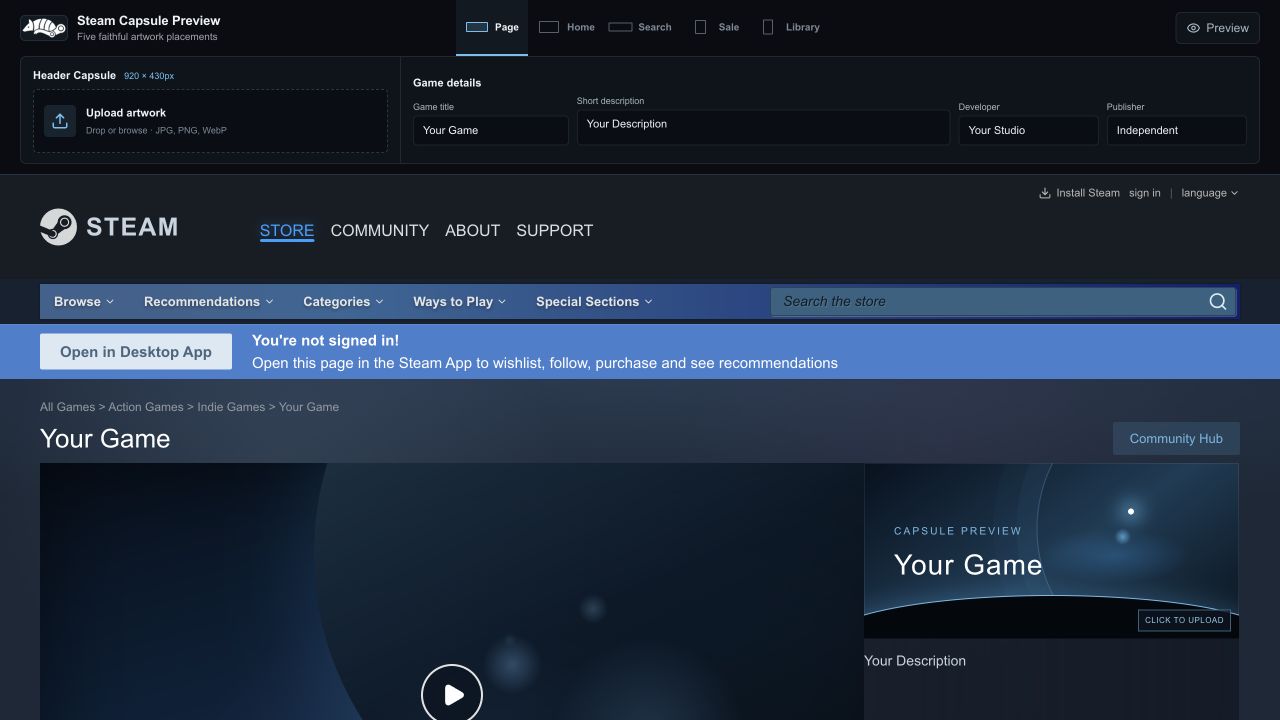
A capsule can look strong at full size and fall apart when Steam reduces it to a search result. Switch between the main storefront contexts without rebuilding a mockup for each one.
See the artwork beside the title, description, tags, and purchase panel.
Check how the image reads in Steam’s featured carousel treatment.
Compare legibility at the compact size players scan most quickly.
Preview a portrait placement among other games in a sale grid.
See how the cover holds up on a player’s library shelf.
The preview focuses on the decision that matters: whether your artwork still communicates the game when surrounded by the Steam interface.
Uploaded files are stored locally in your browser using IndexedDB. They are not sent to an application server, so unreleased artwork stays on your device.
Add your game title and description, then switch between store, search, sale, and library views to judge hierarchy and legibility alongside familiar releases.
The Steam-style navigation is intentionally nonfunctional. This is a visual preview environment, not a replica store or an official Valve product.
Upload an image and see every placement in under a minute.